

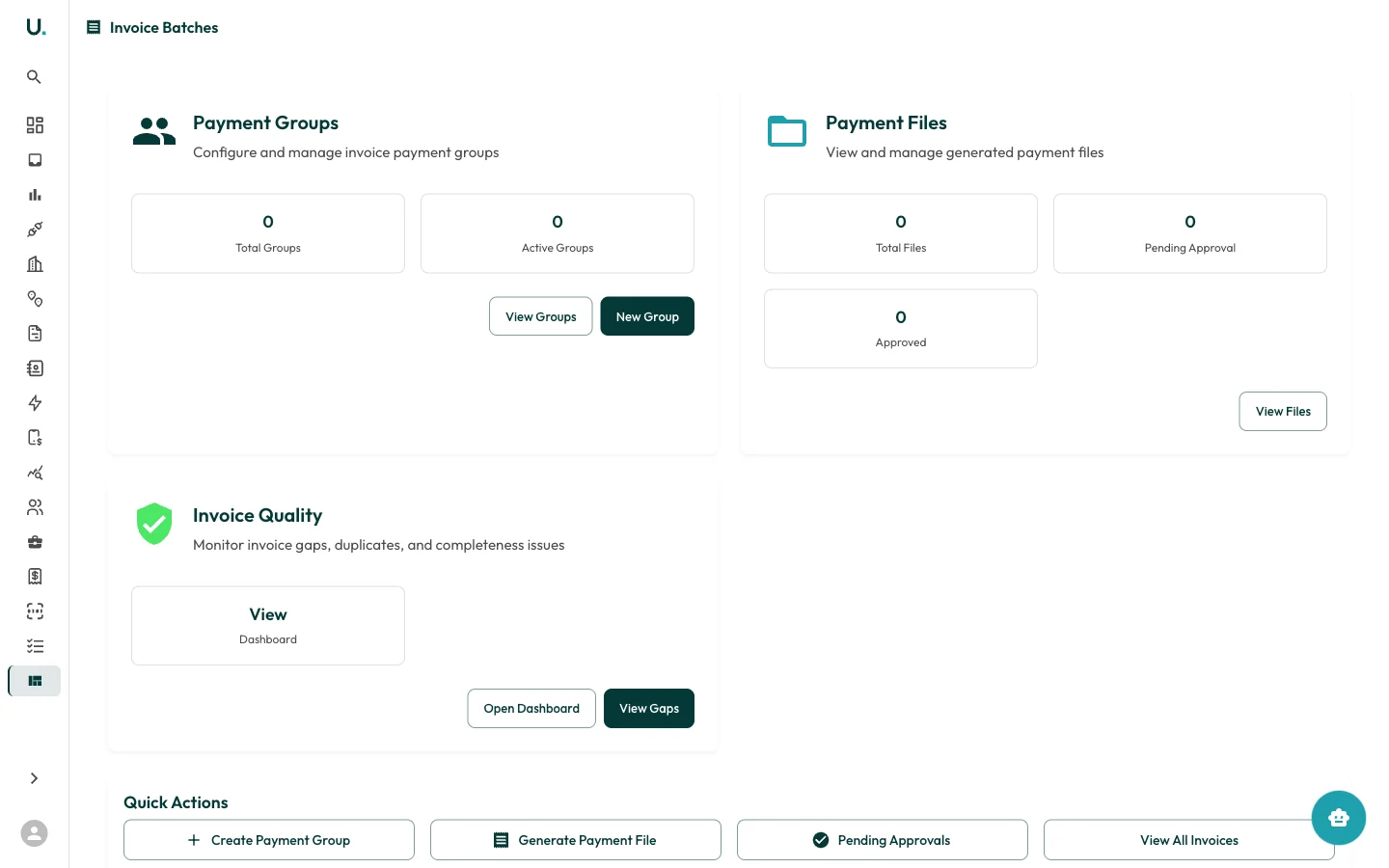
Payment groups
Configure and manage invoice payment groups. Payment groups let you batch invoices together for bulk payment processing.- Total Groups — Number of payment groups created
- Active Groups — Currently active payment groups
- View Groups — See all payment groups
- New Group — Create a new payment group
Payment files
View and manage generated payment files for submission to your finance system or bank.- Total Files — Number of payment files generated
- Pending Approval — Files awaiting approval before processing
- Approved — Files that have been approved
- View Files — Browse all payment files
Invoice quality
Monitor invoice gaps, duplicates, and completeness issues across your portfolio.- Open Dashboard — View the full invoice quality dashboard
- View Gaps — See all detected invoice gaps
Quick actions
Shortcut buttons at the bottom of the page:| Action | Description |
|---|---|
| Create Payment Group | Start a new payment group |
| Generate Payment File | Create a payment file from grouped invoices |
| Pending Approvals | View invoices awaiting approval |
| View All Invoices | Navigate to the full invoices list |