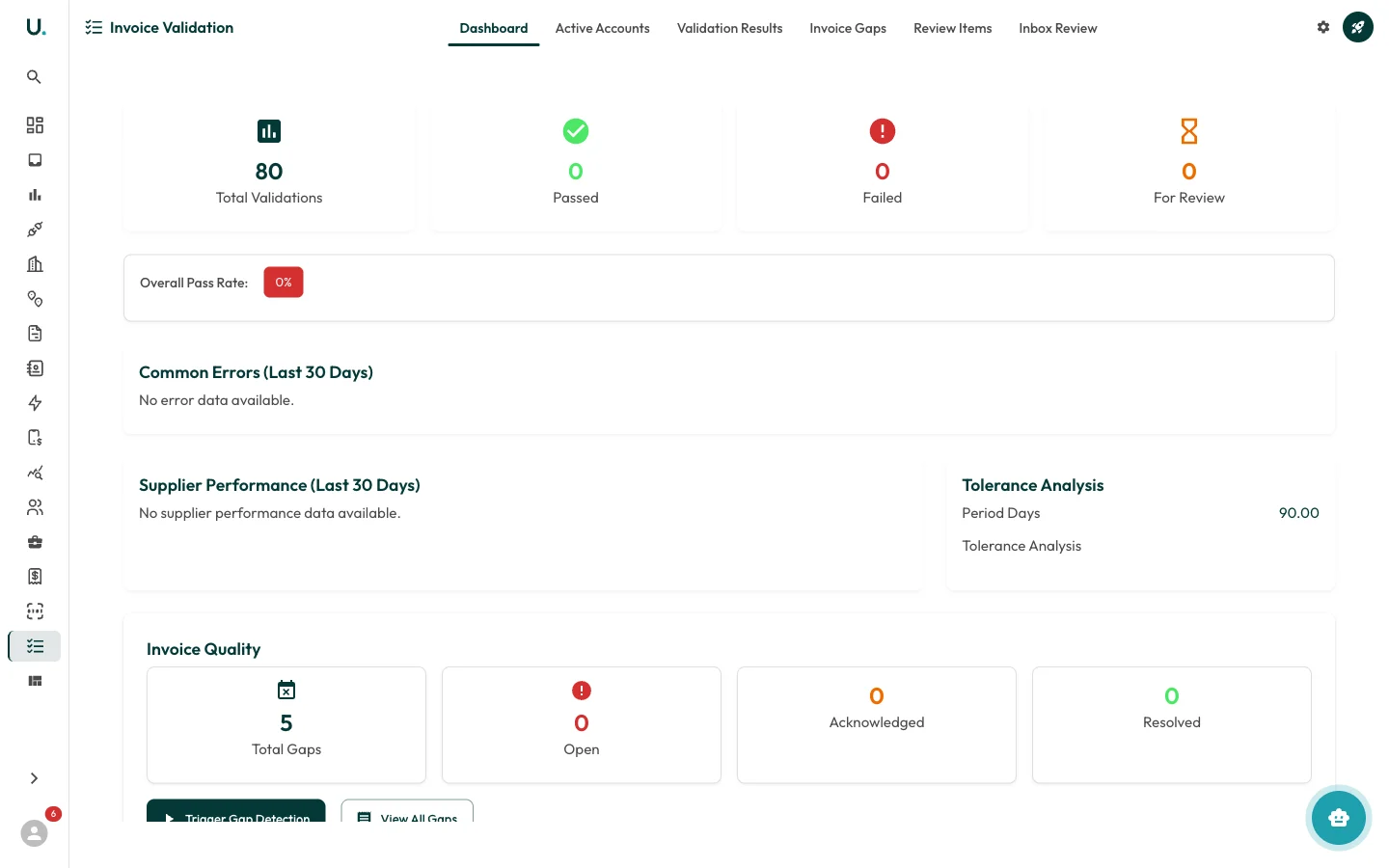
Invoice Validation automatically checks processed invoices against a set of rules to identify errors, anomalies, and data quality issues. UMS validation dashboard showing pass rates and quality stats

Validation dashboard

The Dashboard tab provides an overview of validation health.

Summary stats

  • Total Validations — Number of invoice validations run
  • Passed — Invoices that passed all validation checks
  • Failed — Invoices that failed one or more checks
  • For Review — Invoices flagged for manual review

Overall pass rate

A percentage badge showing how many invoices passed validation.

Common errors (last 30 days)

A breakdown of the most frequent validation failures to help you identify systemic issues.

Supplier performance (last 30 days)

Shows how different suppliers perform against validation rules — useful for identifying problematic suppliers.

Tolerance analysis

Configuration for validation tolerance settings, including the period (in days) used for analysis.

Invoice quality

  • Total Gaps — Number of detected invoice gaps across all connections
  • Open — Gaps that have not been addressed
  • Acknowledged — Gaps that have been noted but not resolved
  • Resolved — Gaps that have been closed
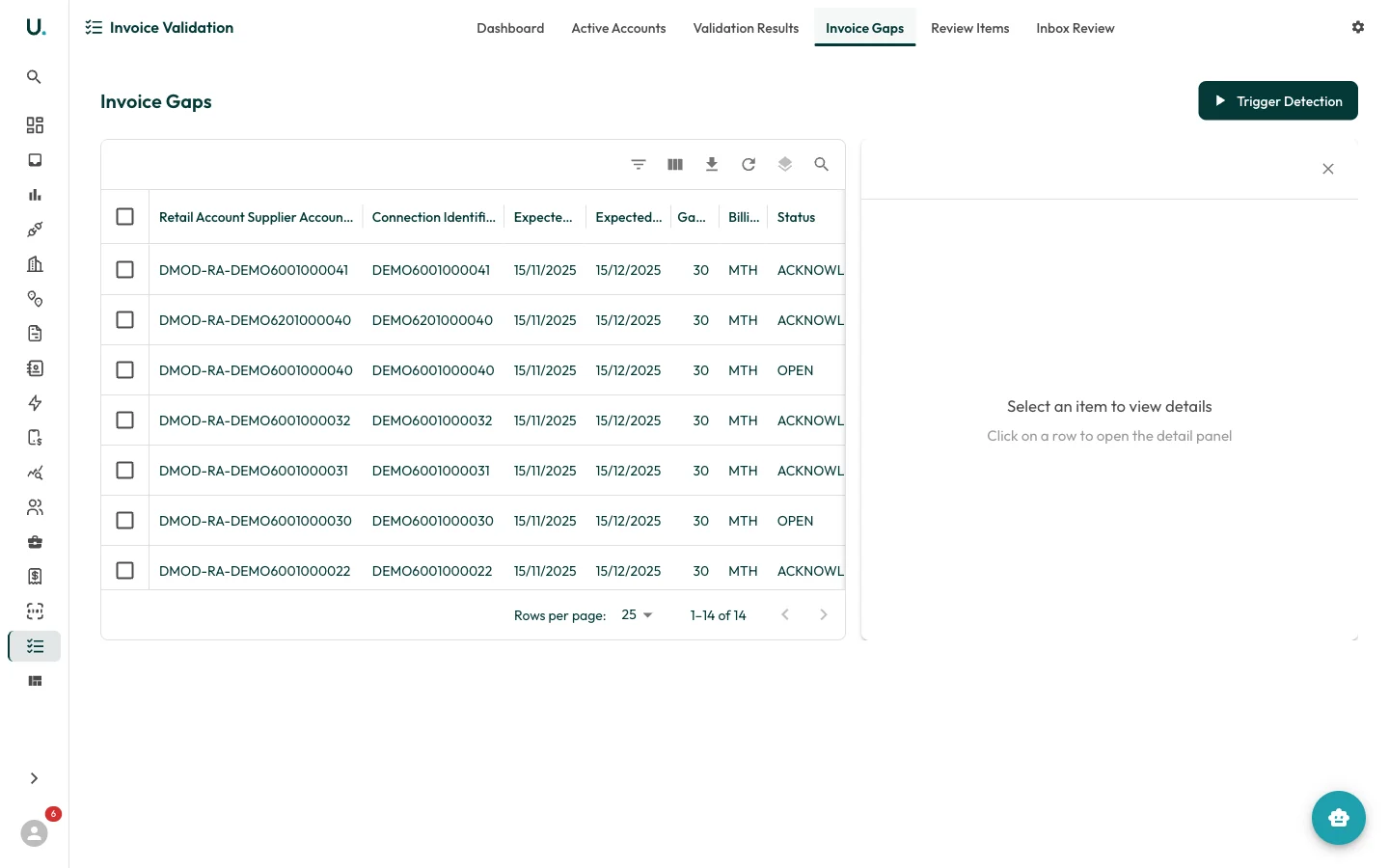
Buttons to Trigger Gap Detection and View All Gaps are available at the bottom.

Validation results

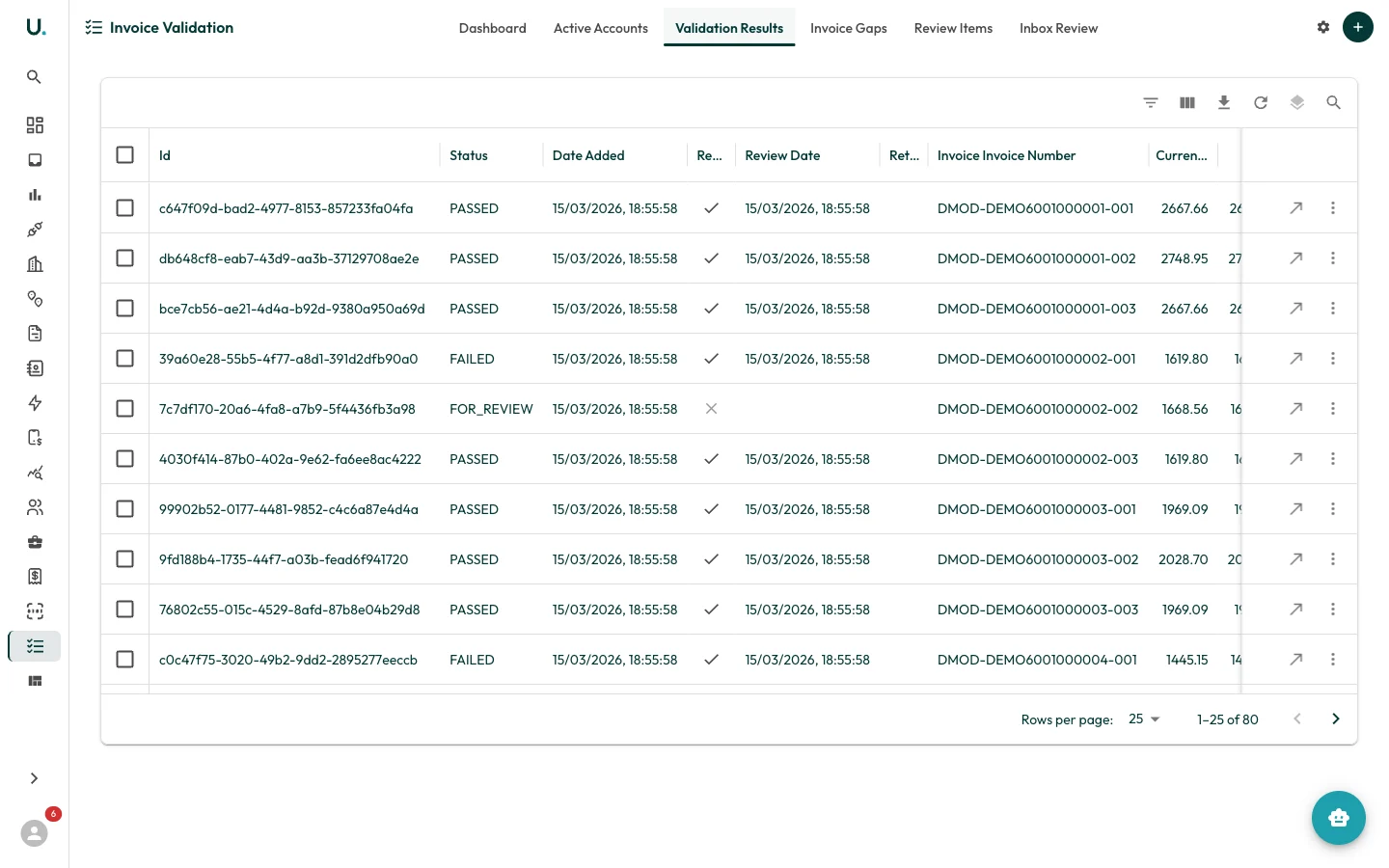
UMS validation results tab showing pass and fail outcomes per invoice Detailed pass/fail results for each validated invoice, including confidence scores and error sources.

Review items

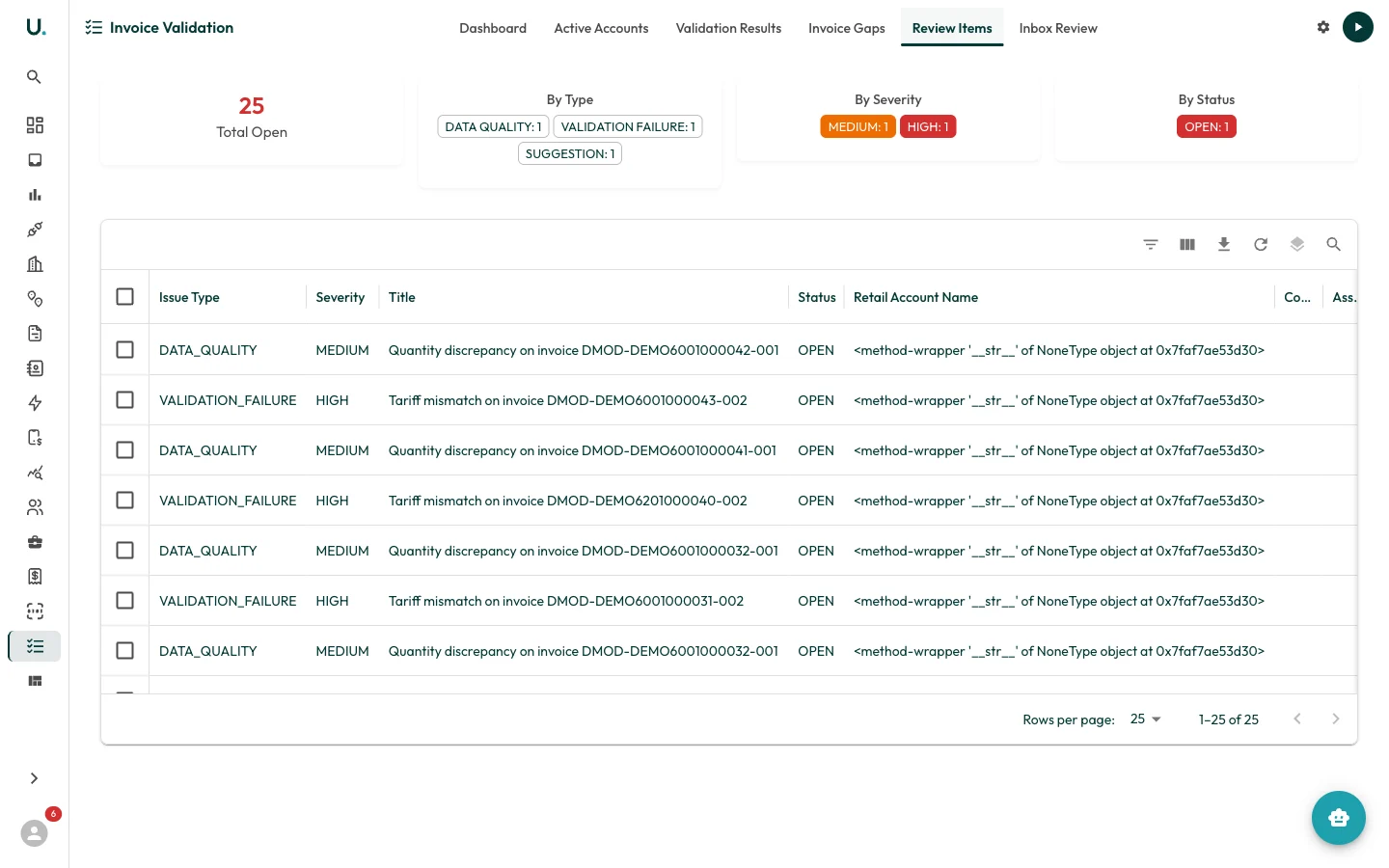
UMS review items tab listing invoices flagged for manual review Invoices flagged for manual review — tariff mismatches, data quality issues, and validation failures with severity levels and recommended actions.

Invoice gaps

UMS invoice gaps tab showing missing invoices detected by gap analysis Missing invoices detected by gap analysis across retail accounts and connections.

Inbox review

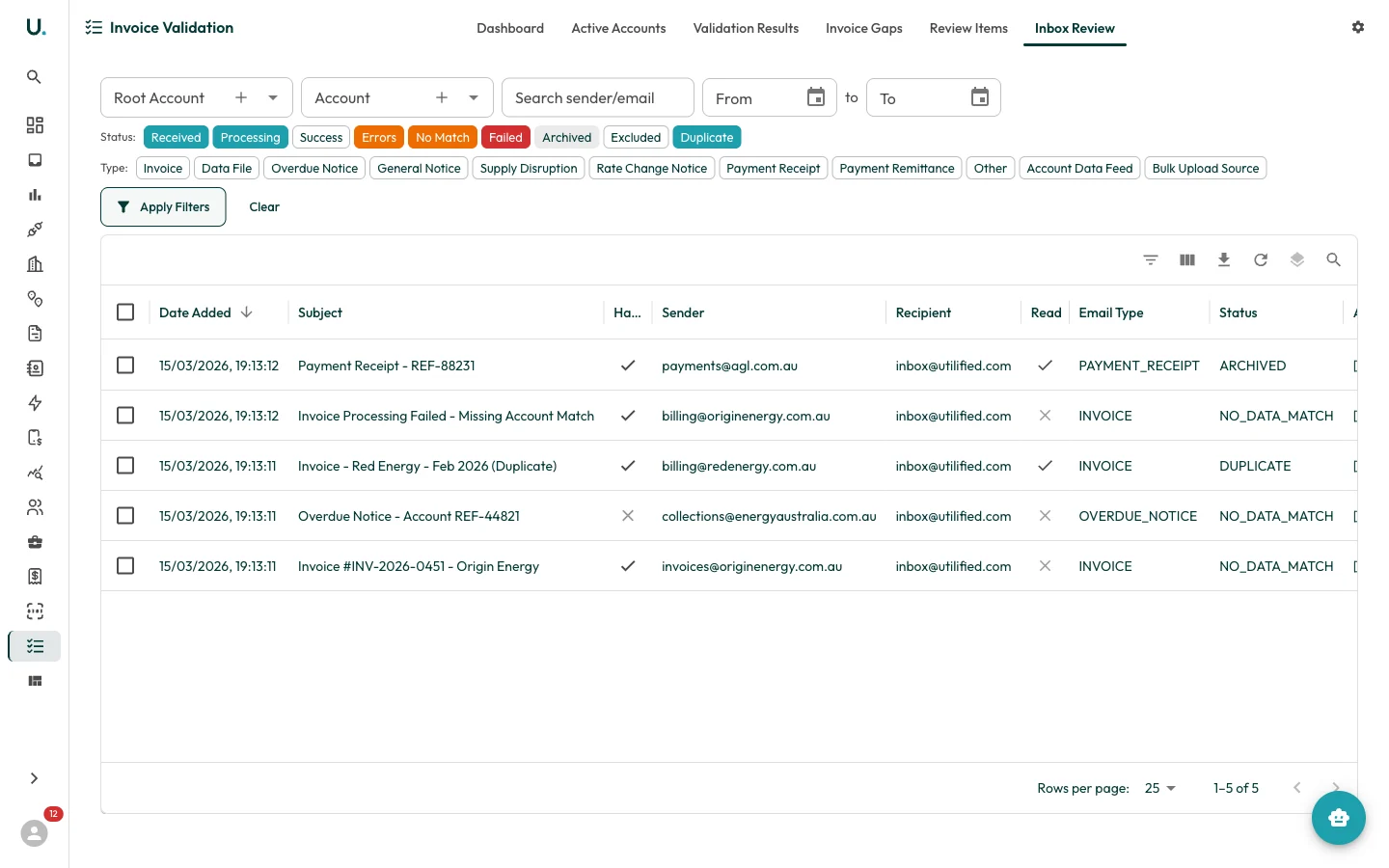
UMS inbox review tab for triaging email-sourced invoices Inbox items requiring validation review, with status and type filtering to manage email-sourced invoices.
For a detailed guide on completing reviews and excluding invoices, see Invoice Validation and Review.