

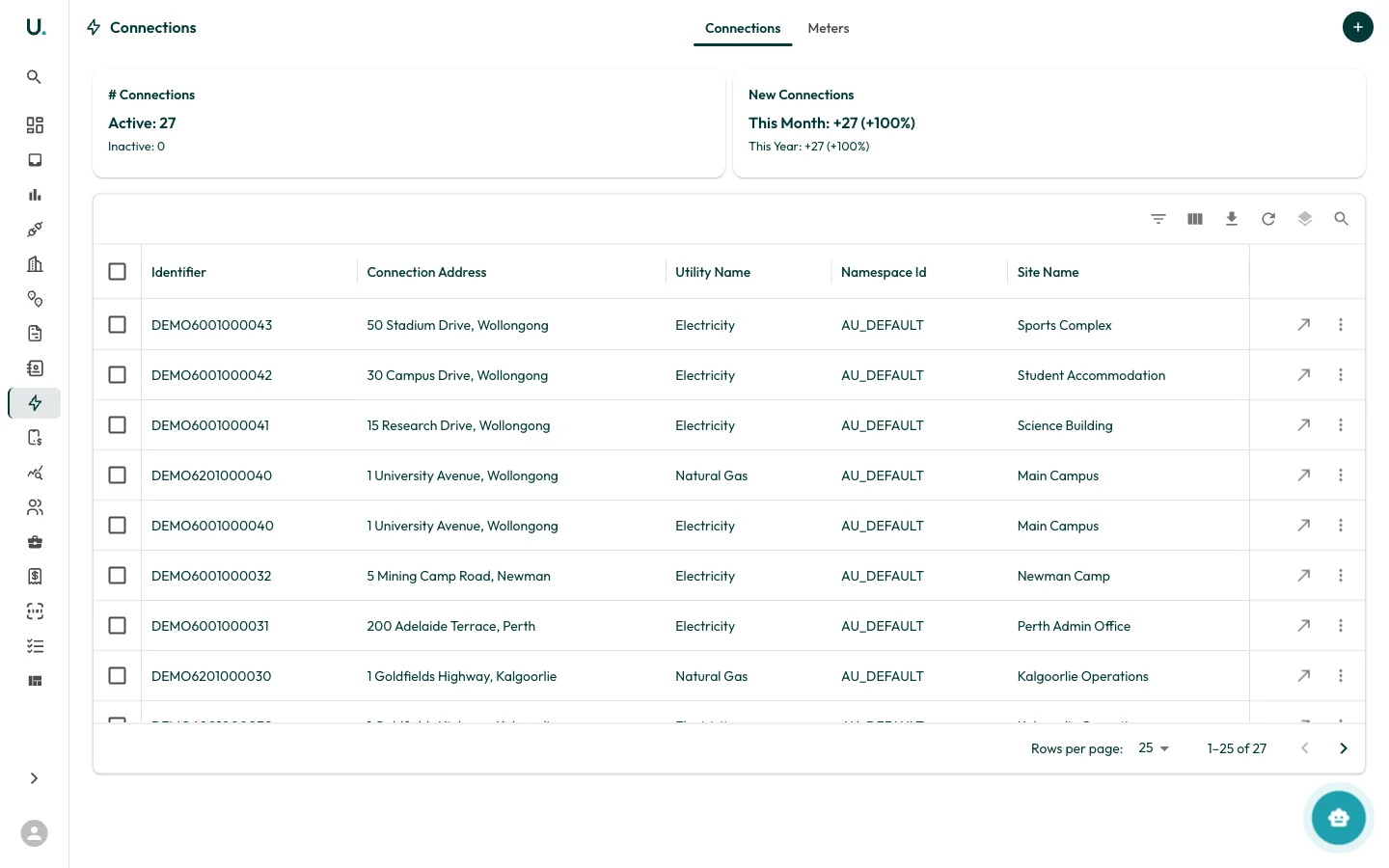
Connections list
The Connections page has two tabs: Connections and Meters.Connections tab
Displays all connections in a data grid:| Column | Description |
|---|---|
| Identifier | The unique connection identifier (for example, NMI for electricity, MIRN for gas) |
| Connection Address | The physical address of the connection |
| Utility Name | The utility type — Electricity, Natural Gas, or Water |
| Namespace Id | The identifier namespace (for example, AU_DEFAULT for Australian connections) |
| Site Name | The site this connection is linked to |