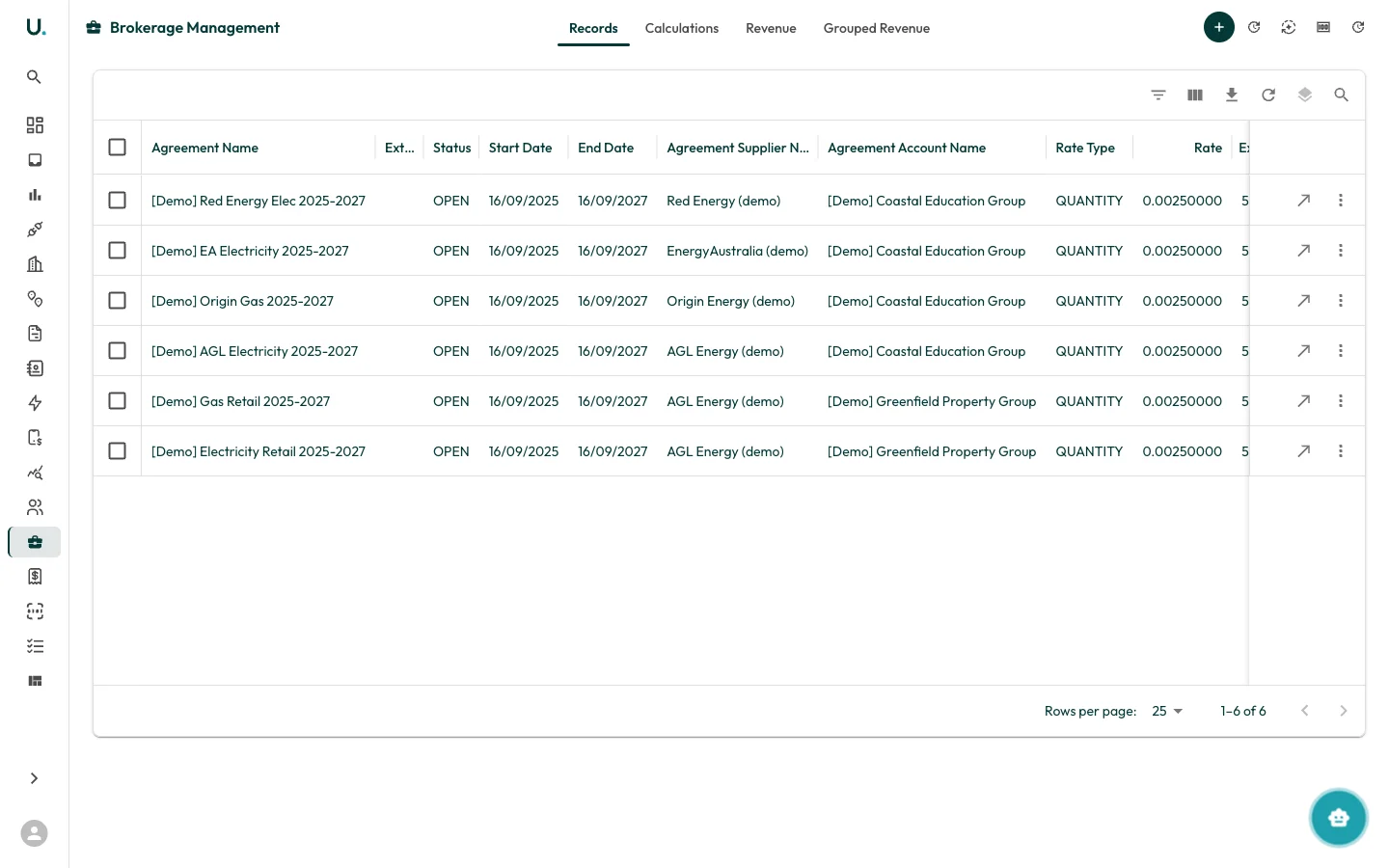
The Brokerage module tracks revenue from energy brokerage agreements, including commission calculations and grouped revenue analysis. UMS Brokerage management page showing brokerage records

Brokerage management tabs

The Brokerage page has four tabs:

Records

Displays all brokerage records linked to agreements:
ColumnDescription
Agreement NameThe energy agreement this brokerage record relates to
External IDExternal reference number
StatusCurrent status — OPEN or PENDING
Start DateAgreement start date
End DateAgreement end date
Agreement Supplier NameThe energy supplier

Calculations

View and manage brokerage calculation runs. Calculations process brokerage records to determine commission amounts based on tariff rates and consumption.

Revenue

Track actual brokerage revenue — the commission income generated from your brokerage agreements.

Grouped revenue

View revenue aggregated by supplier, account, or other groupings for high-level analysis.

Creating a brokerage record

Click the + button in the top-right corner to create a new brokerage record linked to an agreement.