

How UtiliRead works
When you upload an invoice PDF, UtiliRead automatically runs through the following stages:Extract key fields
It extracts key fields — invoice number, dates, amounts, consumption data, and line items.
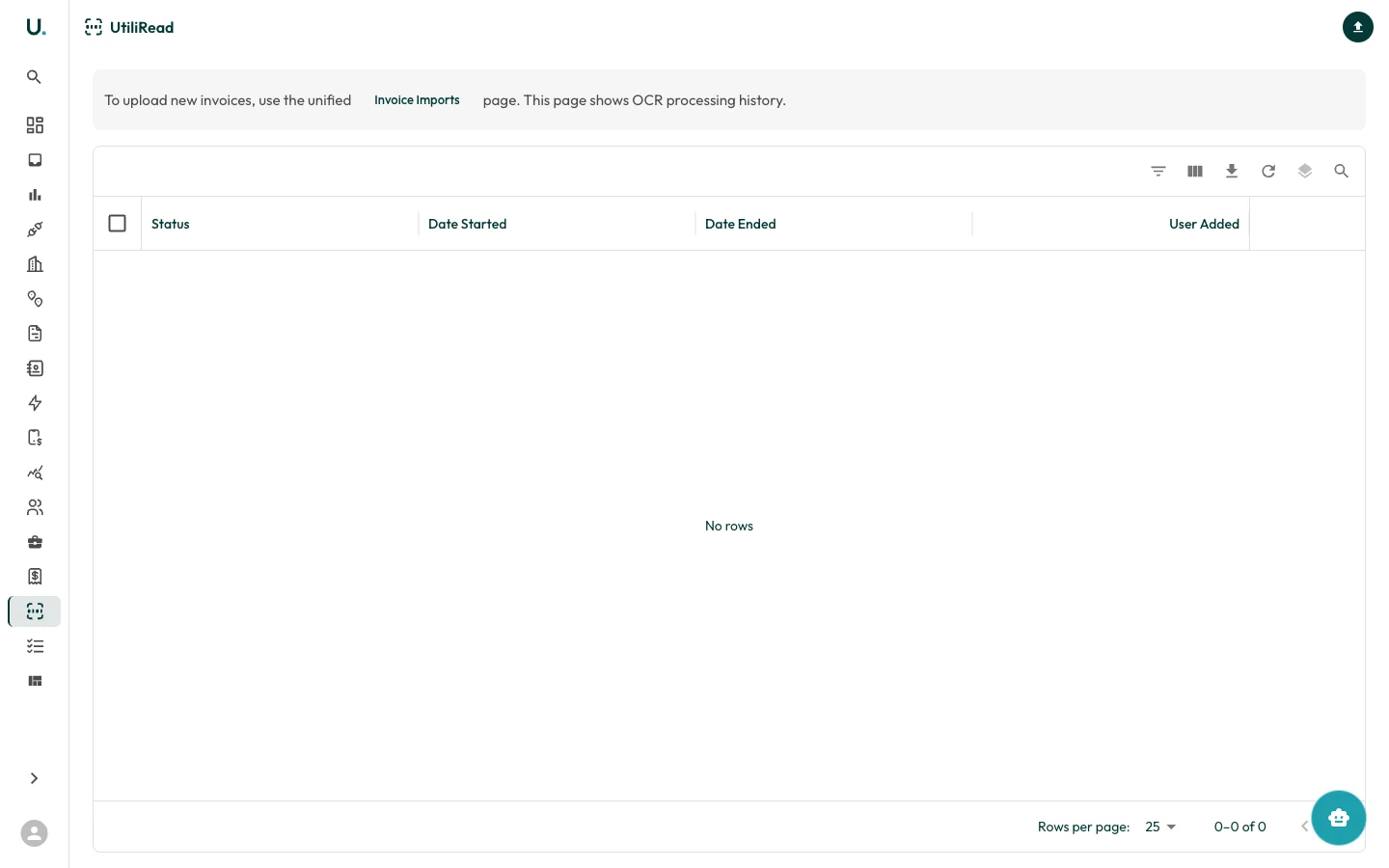
OCR processing history
The UtiliRead page shows a history of all OCR processing jobs:| Column | Description |
|---|---|
| Status | Processing result — SUCCESS or FAILED |
| Date Started | When the OCR job began |
| Date Ended | When the OCR job completed |
| User Added | The user who triggered the upload |