

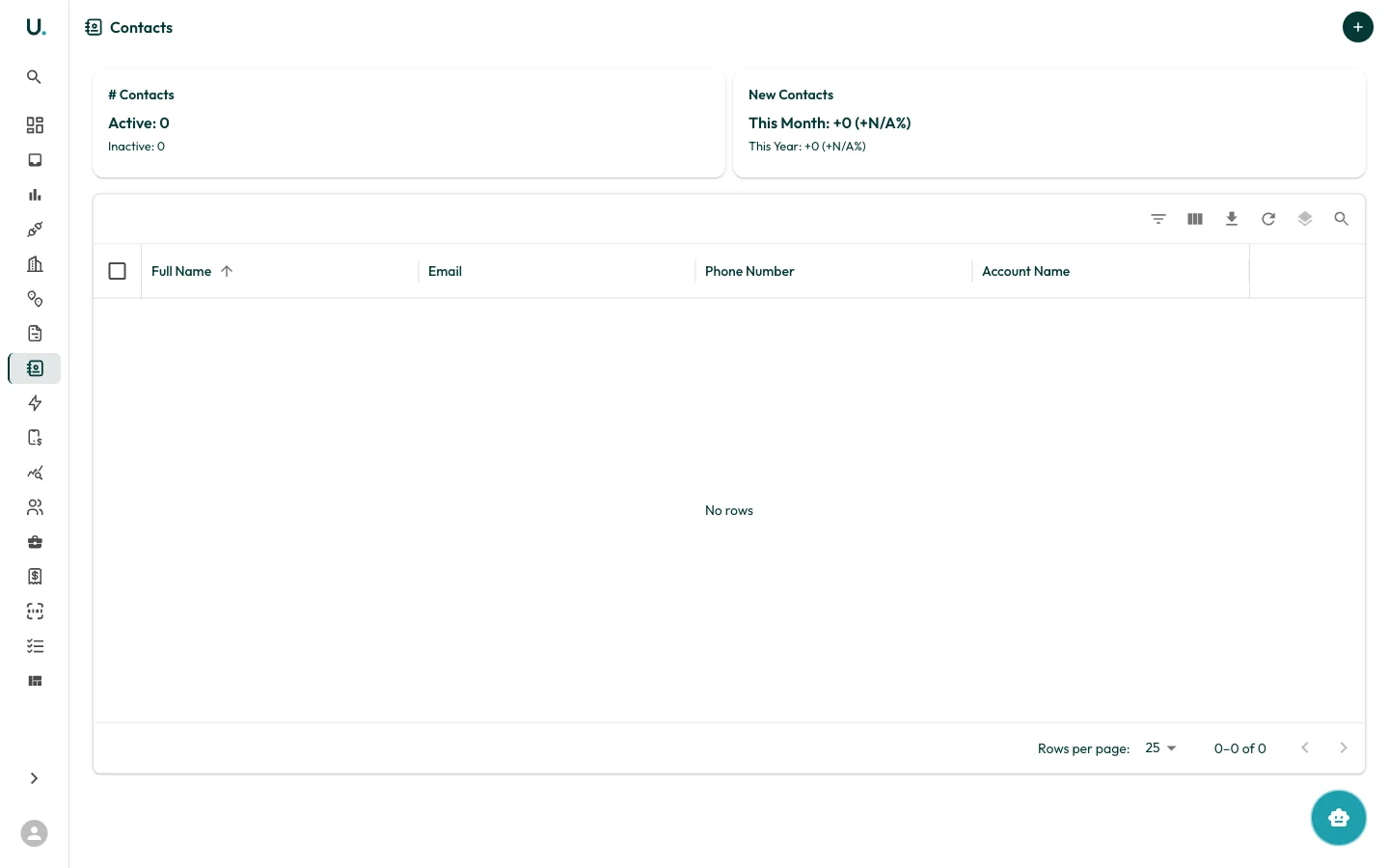
Contacts list
The Contacts page displays all contacts across your organisation. Contacts are linked to accounts and can be managed from both the Contacts page and from within individual account detail pages.Managing contacts
- Add a contact from the Contacts list or from an account’s Contacts tab
- Edit contact details using the quick edit drawer or the detail page
- Link contacts to accounts to keep track of who is responsible for each customer relationship