

Brokerage overview
The Brokerage page has four tabs.Records tab
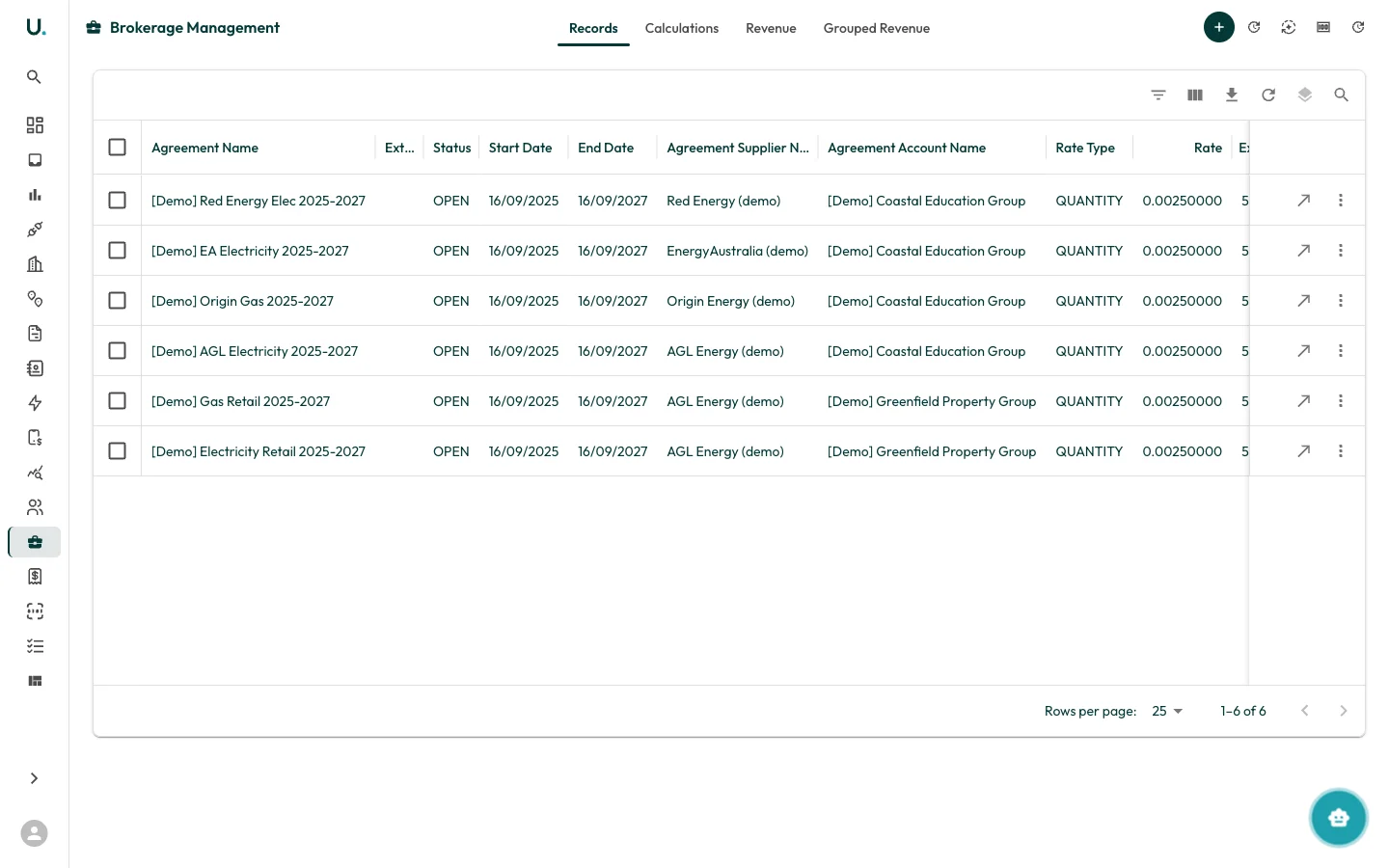
- Agreement name and supplier
- Status (OPEN or PENDING)
- Contract period (start/end dates)
Calculations tab
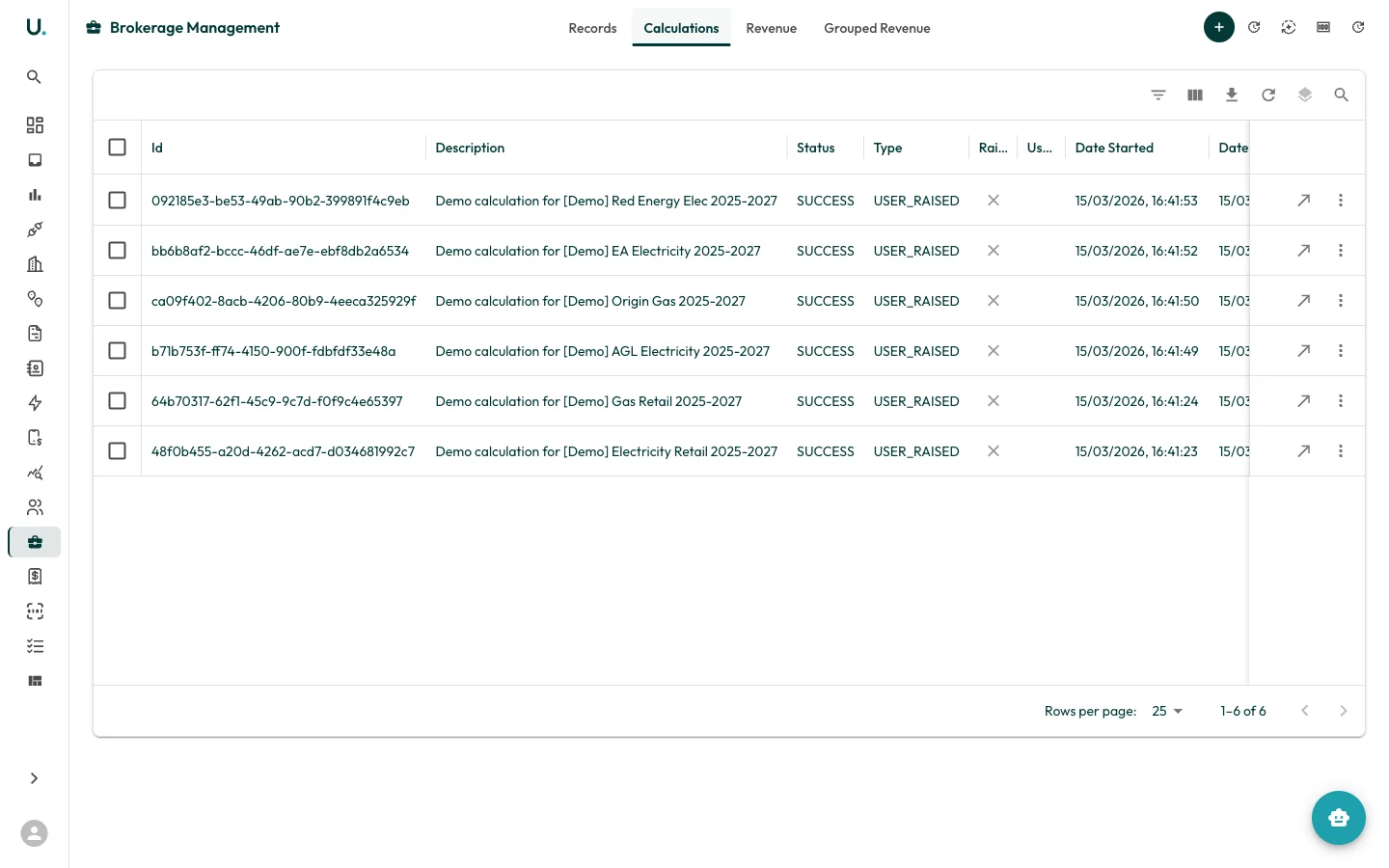
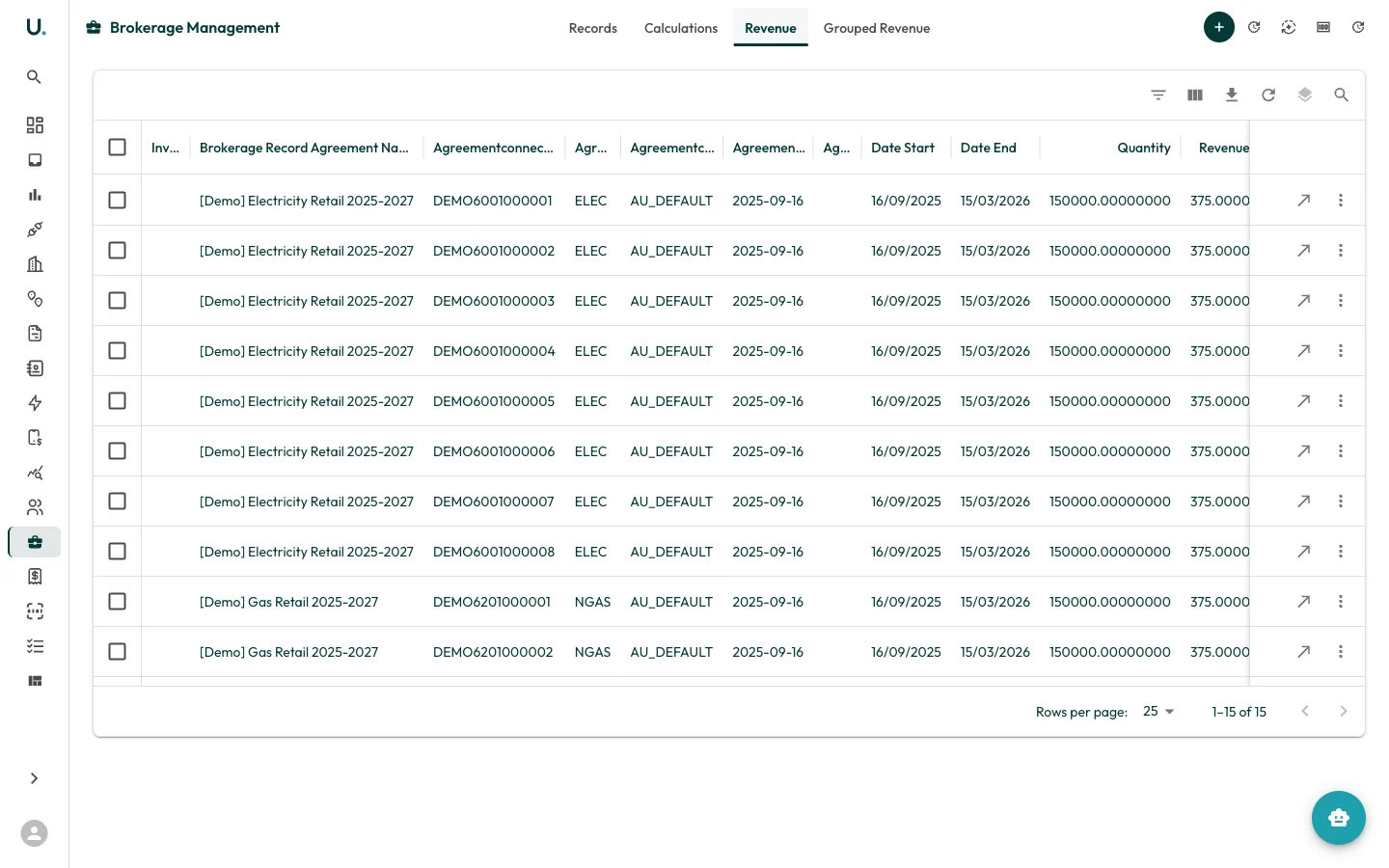
Revenue tab
Running a calculation
To run a new brokerage calculation, navigate to the Brokerage page and click the + button to open the Brokerage Calculation Wizard.Filter and select records
- Use filters to narrow down brokerage records by agreement, supplier, status, rate type, or date range.
- Select the records you want to include in the calculation.
- Review the selected records summary showing counts and status breakdown.
Review and configure
- Verify your selections.
- Set a description and end date for the calculation.
- Check for warnings — records missing tariff rates will block the calculation.
- Optionally enable Generate Missing Revenue to create revenue records for gaps.
Generate
- Click Generate to start the calculation.
- The system processes selected records against tariff rates and consumption data.
- A progress indicator shows the calculation status.
Viewing a calculation
Click See Details on any calculation to view its results: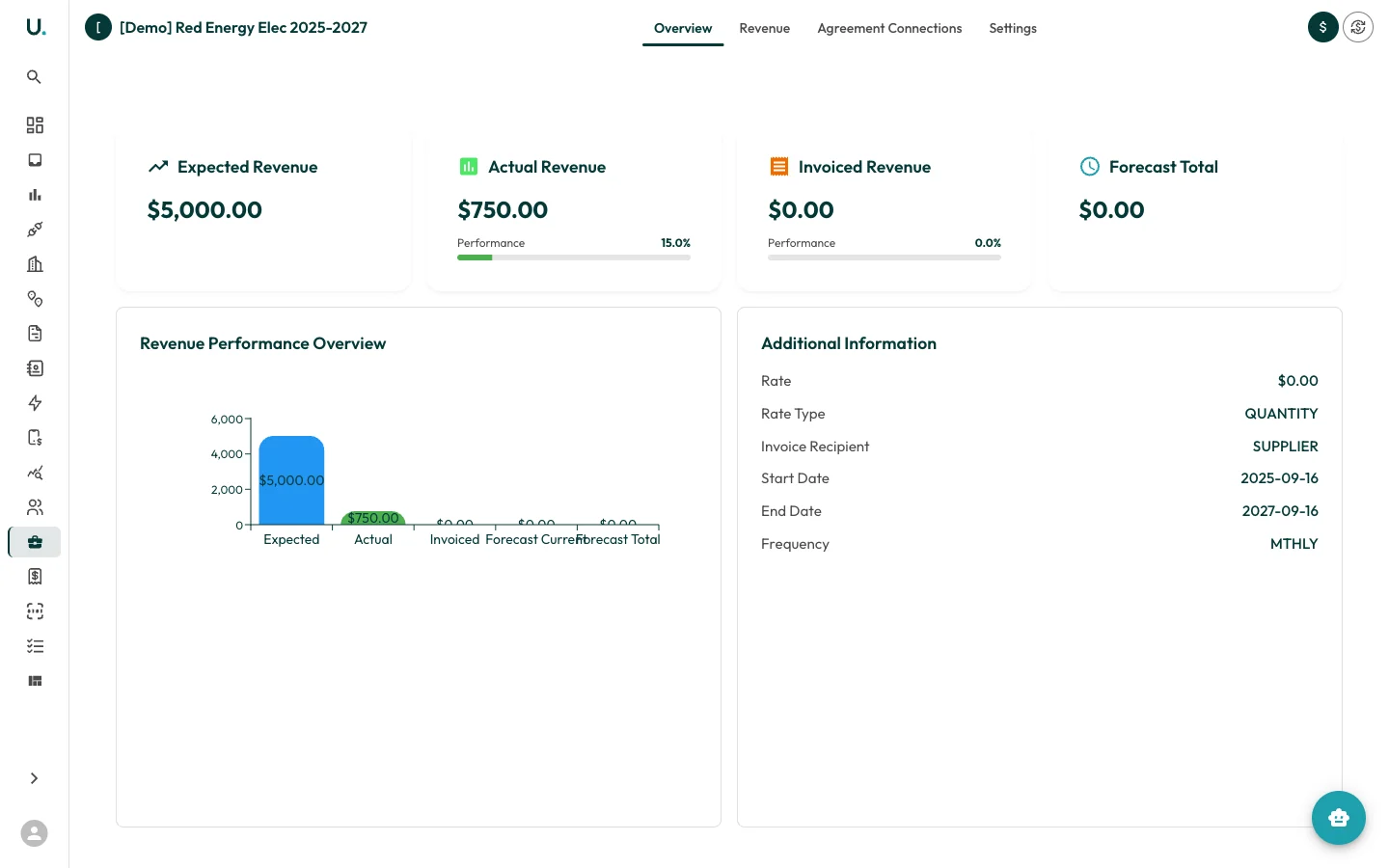
- Overview — Calculation status, dates, and total revenue
- Revenue — Generated revenue records with amounts
- Brokerage Records — The input records used for this calculation